

~/Library/Application Support/im.vora.vivi/characters/CHARACTER STUDIO / CREATOR GUIDE
Make room for
your own VIVI.
Transparent artwork. A few JSON files. Add your own character and animations without rebuilding the app.
VORA VIVI is desktop only. The first installable release is in preparation. This guide follows the actual app validator.
 YOUR VIVI
YOUR STYLE ✦
01 / START
Start with something that already moves.
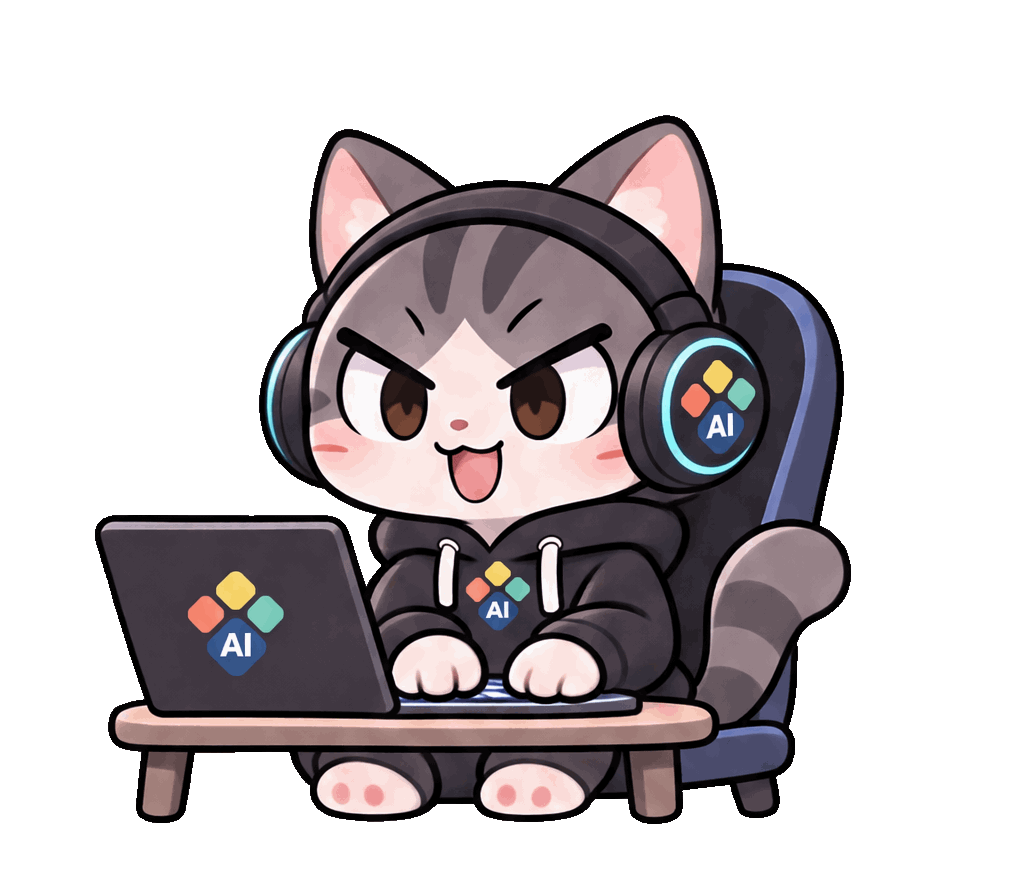
The .vivipack sample includes a transparent 12-frame typing animation and a held idle pose. Unzip it to explore the structure, then replace the artwork with your own. It is a starter, not a complete motion library.
Give your copy a unique packId and increase packVersion when you edit it. Different content cannot overwrite an installed ID and version.
02 / YOUR FOLDER
This is where your character lives.
Right-click VIVI → Character → Open character folder to see the exact location on your PC. Create a <packId>/<packVersion>/ folder inside the following directory.
%APPDATA%\im.vora.vivi\characters\~/.local/share/im.vora.vivi/characters/Paste the Windows path into File Explorer. On macOS, use Finder → Go → Go to Folder. On Linux, a configured XDG_DATA_HOME takes precedence over the default path.
<packId>/<packVersion>/character.json03 / THE FILES
One character. One folder.
character.json describes the character and maps events to clips. frames.json lists each frame and its duration. All file paths are relative to the character pack root.
my-vivi.starter/
└── 1.0.0/
    ├── character.json
    ├── checksums.json
    └── clips/
        ├── idle/frames.json
        └── typing/
            ├── frames.json
            ├── typing-01.png
            └── … typing-12.png
character.json — character and events
{
  "schemaVersion": 1,
  "packId": "my-vivi.starter",
  "packVersion": "1.0.0",
  "canvas": {
    "width": 1024,
    "height": 896
  },
  "defaultDisplayHeight": 160,
  "clips": {
    "typing": {
      "frameCount": 12,
      "sequence": "clips/typing/frames.json",
      "entryPose": "typing.ready",
      "exitPose": "typing.ready",
      "loop": true
    }
  },
  "eventBindings": {
    "idle": [
      "typing"
    ],
    "chat.waiting": [
      "typing"
    ]
  }
}
frames.json — frame order
{
  "frames": [
    {
      "file": "clips/typing/typing-01.png",
      "durationMs": 100,
      "marker": "rest"
    },
    {
      "file": "clips/typing/typing-02.png",
      "durationMs": 100
    }
  ]
}
These are the key parts of the starter. Download the pack for all 12 frames and complete JSON files.
04 / MAKE IT MOVE
Draw the whole performance.
Use consecutive full-body drawings for each action. Match the opening and closing poses and keep a consistent ground contact point for natural transitions.
- Use transparent PNG or WebP images. Every frame must have the same canvas size.
- Artwork can be up to 2048×2048. Display height is 80–320px; 160px is recommended.
- A clip has 1–240 frames. Each frame lasts 16–30,000ms. The starter uses 12 frames at 100ms.
- anchor marks the ground contact; bubbleAnchor marks the speech bubble origin. Coordinates range from 0 to 1.
- A looping clip must have matching entryPose and exitPose. Connect different poses with drawn bridge clips and transitions.
- Use declarative assets, without scripts or executables. The unpacked pack may be up to 512MiB.
Give every moment a motion.
| Event | When it plays |
|---|---|
idle | Default idle — required |
chat.waiting | Waiting for the first answer |
chat.streaming | While the answer streams |
chat.complete | Answer complete |
input.listening | Listening to voice input |
file.uploading | Uploading a file |
notification | VORA service notification |
calendar.reminder | Calendar reminder |
cua.working | Computer-use task |
update.available | New version available |
Use fallbacks for events without a dedicated motion. Fallbacks must not form a cycle. Add seasonal and media events according to the app version’s supported contract.
05 / TRY IT ON
Ready? Let VIVI try it on.
- Easy route: ZIP the files inside your character folder and rename the extension to .vivipack. character.json must be at the ZIP root.
- Right-click VIVI → Character → Import pack, then select the .vivipack. The app validates it before applying it.
- Direct copy: place <packId>/<packVersion>/ in the OS-specific folder above, refresh the character list, then select it.
- If checksums.json is present, update the SHA-256 hashes after editing. This file is optional for a personal pack.
- An invalid pack leaves the current character in place. Do not modify the built-in VIVI inside the app installation folder.
06 / A LITTLE HELP
A few things to check.
My pack is missing+
Check the character.json location, packId and packVersion, then refresh the list.
The artwork jumps or clips+
Match canvas sizes, transparent padding and anchors across frames. Review at the real 160px display size.
The frame count is wrong+
Make frameCount match the frames array length. Check filename capitalization too.
Transitions feel abrupt+
Add drawn bridge frames between the previous exitPose and the next entryPose. A fade is not a substitute.
A checksum does not match+
Recalculate that file’s SHA-256 in checksums.json after editing, or omit checksums.json for a personal pack.