01
Your knowledge, connected.
Normal chat, HYPER RAG, and real friend AI profiles. Work together within your VORA permissions and participation limits.
Live answers · Friend AI

✦ A little companion for your desktop.
Ask, explore, and get things done together. Meet the VIVI that brings VORA to your desktop.
VORA account and first-time authorization required
Desktop only · Not available on mobile
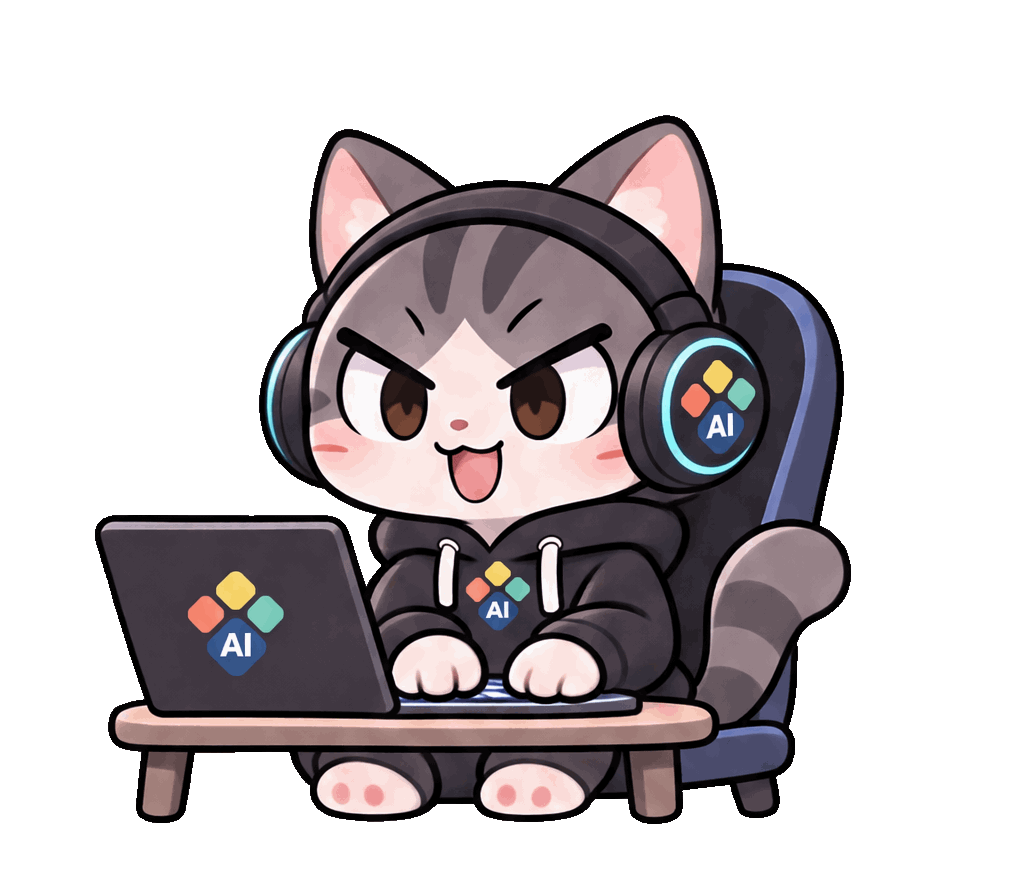 TAP TAP TAP
01 / MEET YOUR DESKTOP BUDDY
The VORA features you need, with a little more personality.
Normal chat, HYPER RAG, and real friend AI profiles. Work together within your VORA permissions and participation limits.
Live answers · Friend AITurn on computer use and choose the apps and task. Review important actions, and stop whenever you need to.
CUA · Separate toggle · ApprovalUse a file just for this conversation, or also save it to your AI knowledge storage. The choice comes first.
Drag & drop · PDF · DOCXGet the full answer on screen and a concise, spoken summary. Turn voice input and summary playback on when useful.
Full text + Spoken summaryGet reminders from your permitted calendar and notifications from VORA. Quiet hours keep your companion considerate.
Calendar · VORA notificationsOutfits and hand-drawn full-body motion. Add or replace external character packs that follow the open format.
External packs · Seasonal motion02 / A LITTLE HELLO
Just VIVI until you need more. Open an input bubble or a roomy window for longer answers.
Try clicking VIVI↘
03 / HELLO, VORA
Choose VIVI for your operating system.
Create a VORA account and authorize the connection.
Stay signed in while permissions and context refresh securely in the background.
04 / YOUR NEW DESKMATE
VORA VIVI is free. We’re preparing the first desktop release. Verified installers will appear here when ready.
Desktop only · Not available on mobile
Apple Silicon · Intel
First release in preparation64-bit
First release in preparationAppImage · x86_64
First release in preparationA VORA account and first authorization are required. Keep sign-in enabled to avoid signing in on every launch. Computer use and microphone permissions are requested when you choose those features.
Join or visit VORA05 / GOOD QUESTIONS
VORA VIVI is a free desktop app. AI capabilities and file limits follow your VORA account permissions and service policies.
Registration and first-time authorization are required. Keep sign-in enabled to reconnect automatically while permissions and context refresh internally. Signing out or revoking access requires authorization again.
VIVI is being built to use your real friend list, profiles, and allowed participation limits. Open-format character packs can replace appearance, motion, and outfits.
Computer use is off by default. You turn it on and define a task scope. Important actions require approval, and you can stop at any time.